
For permanent Stella Sora account deletion, the official privacy policy directs players to contact [email protected]. It also says account or personal-information deletion can be requested while logged in. Confirm that you intend permanent deletion: switching accounts, unlinking Steam and reinstalling the client are different actions.
Official privacy-policy and account-help routes, checked against the supplied October 19, 2026 capture. No recovery period, completion deadline or current in-client deletion dialog has been established here.
Sources checked:
On this page
Choose the action that matches your goal
Account actions have different purposes
Scroll the table sideways on a narrow screen.
| Goal | Appropriate route | What it does not establish |
|---|---|---|
| Use another game account | Menu → Settings → Account → User Center → Go → Switch Account | Signing out is not permanent account deletion. |
| Manage a Steam binding | User Center → Bind Other Accounts → Steam Bind/Unbind | A binding change is not a request to erase game data. |
| Permanently delete the account | Official support and the privacy-policy deletion channel | Do not assume it can later be recovered or used as a harmless restart. |
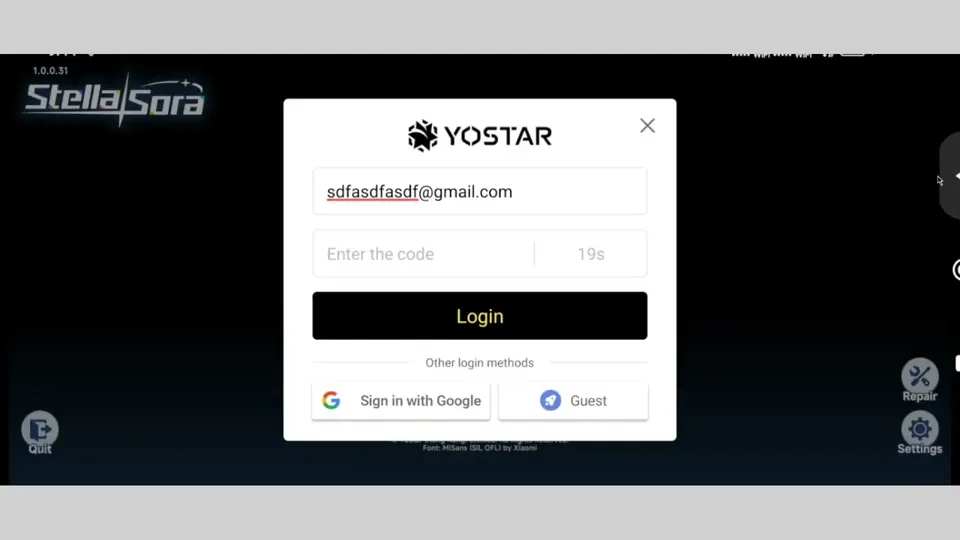
If Steam has opened a fresh account while your progress exists elsewhere, first use the missing-progress guide. Deleting an account is not part of the official login-mismatch solution.
Send the request to official support
- Identify the intended game account while you can still access it. Check the account and server so your request describes the save you actually mean to delete.
- Open Support → Contact Us on the login screen, or Menu → Support → Contact Us in-game. For permanent deletion, the privacy policy gives [email protected].
- State clearly that you want permanent account deletion. Ask support which identity checks and current account-confirmation steps apply, then follow the official response.
- Read any consequences shown by the current client or provided by support before you confirm. Keep the response so you can distinguish a submitted request from completed deletion.
The policy permits logging in to delete an account or some personal information, but does not provide a current sequence of button labels in the supplied text. This page therefore uses the documented support route rather than treating an old guest-reroll dialog as a universal deletion procedure.
Understand the documented limits
The policy says information is retained while an account is active or as needed to provide services. It also says there can be valid grounds to retain some information after a deletion request, with the reason communicated to the player.
Content you already shared with other people or social-media sites may not be removable by the game operator. The supplied policy does not establish a fixed completion time, a reversible grace period, or a guarantee that every external copy disappears. Ask support about the consequences for your particular account before confirming permanent deletion.
If your goal is simply to recover an old save, use missing-progress help first.
Sources & scope
These notes organize the sources below. Creator observations belong to their authors; this site has not performed the gameplay tests. A source check is separate from a game update or publication date.
Browse this guide category · All guides